¶ Morpho Service and Support
Need help with printer setup, Morpho Studio, printing, maintenance, or a technical issue? Check the Morpho Wiki first. If you cannot find a solution, contact Morpho Support through Morpho Support Center.
¶ Morpho Support Center
Open Morpho Support Center to submit a support request.
You can also open Morpho Support Center from the Morpho website by selecting Support in the top navigation bar and then selecting Support Center.
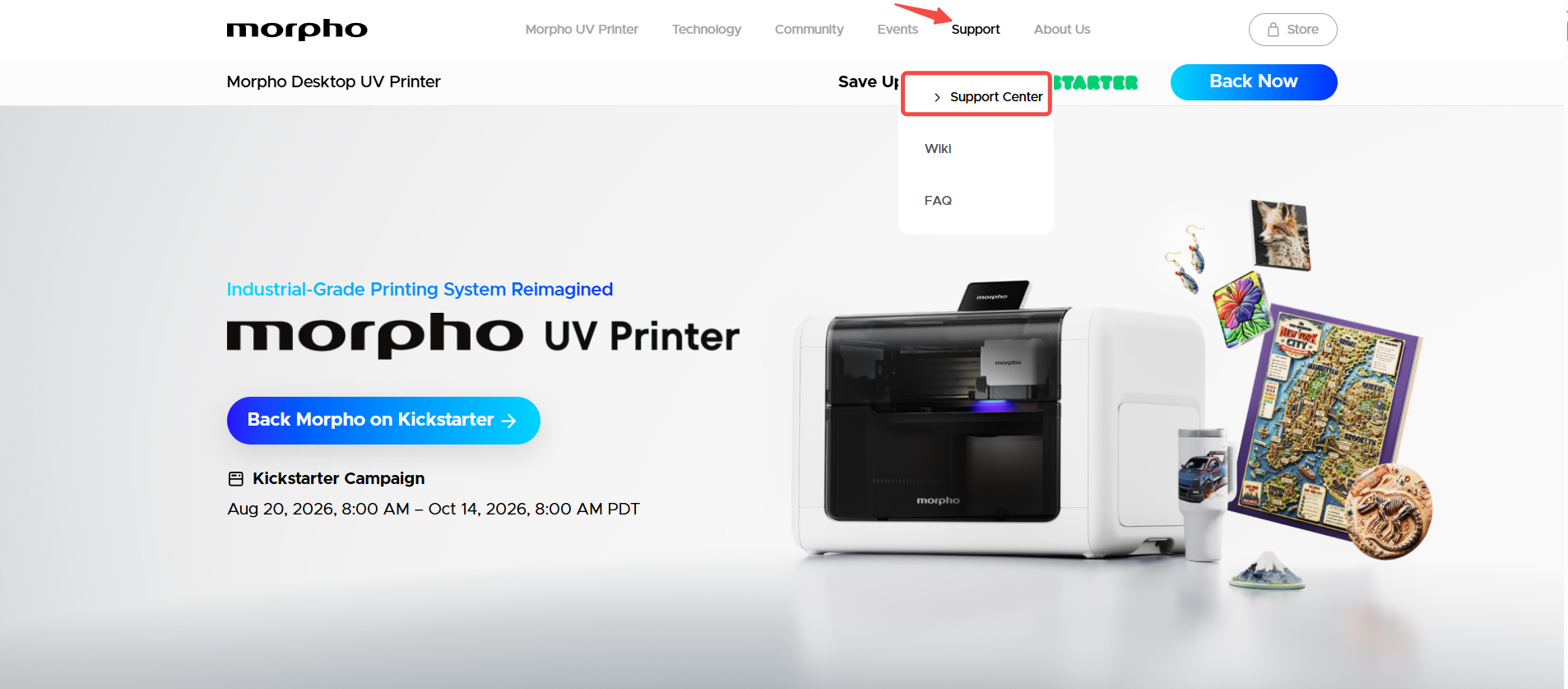
¶ Submit a Support Ticket
The following steps show the Printer support flow. Labels and fields may differ for other support categories.
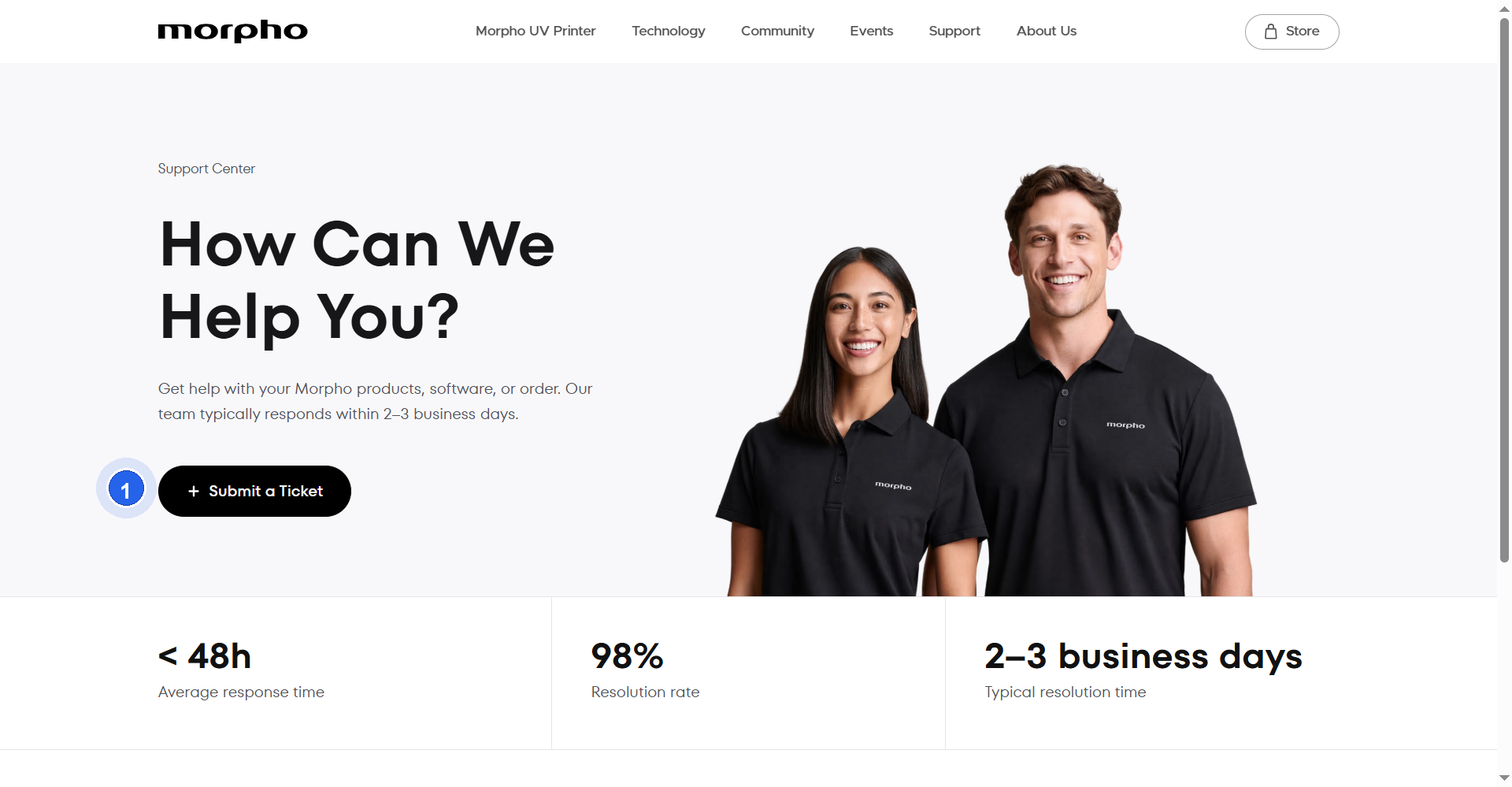
- Open Morpho Support Center and click Submit a Ticket.
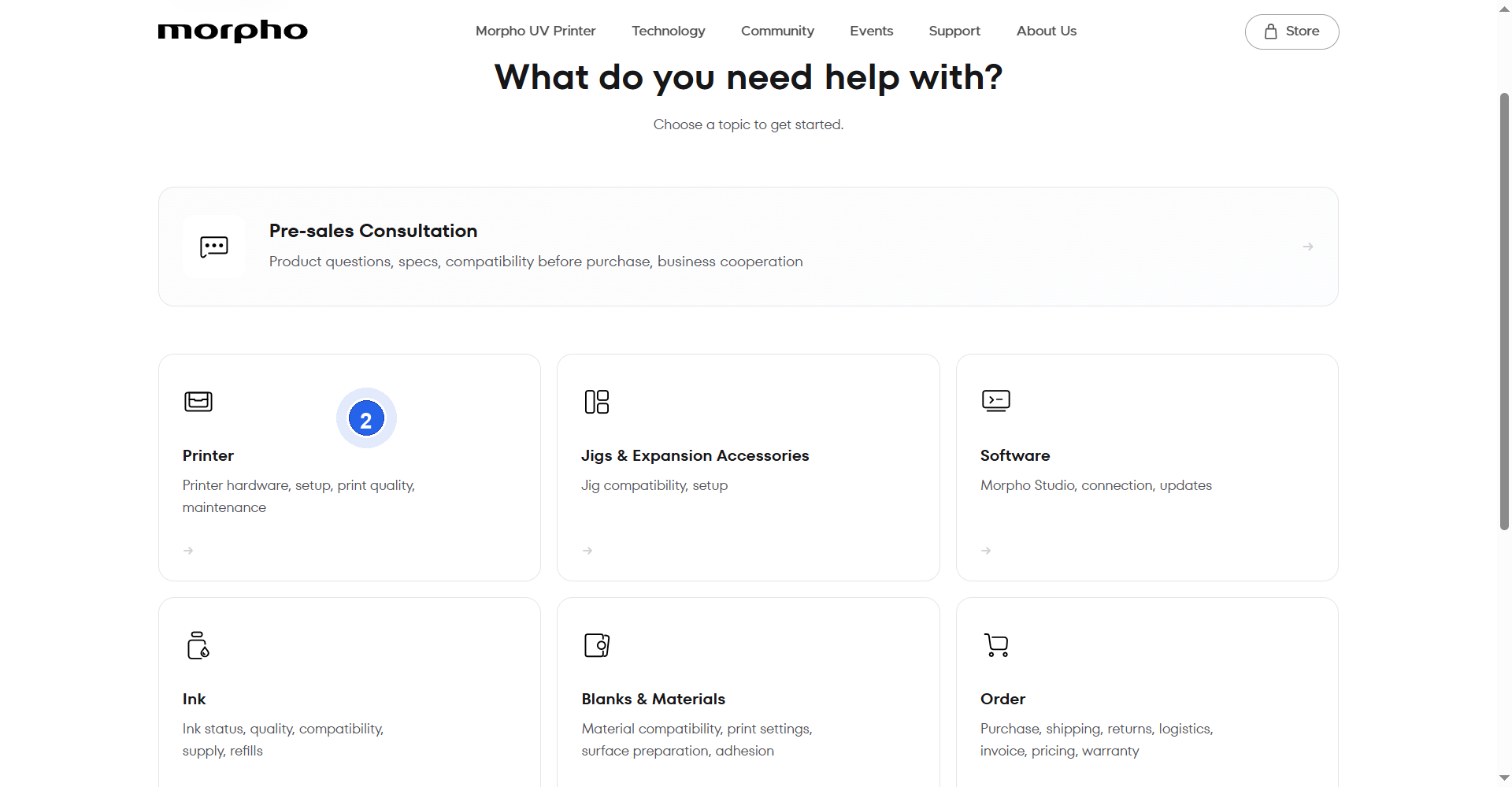
- Select Printer.
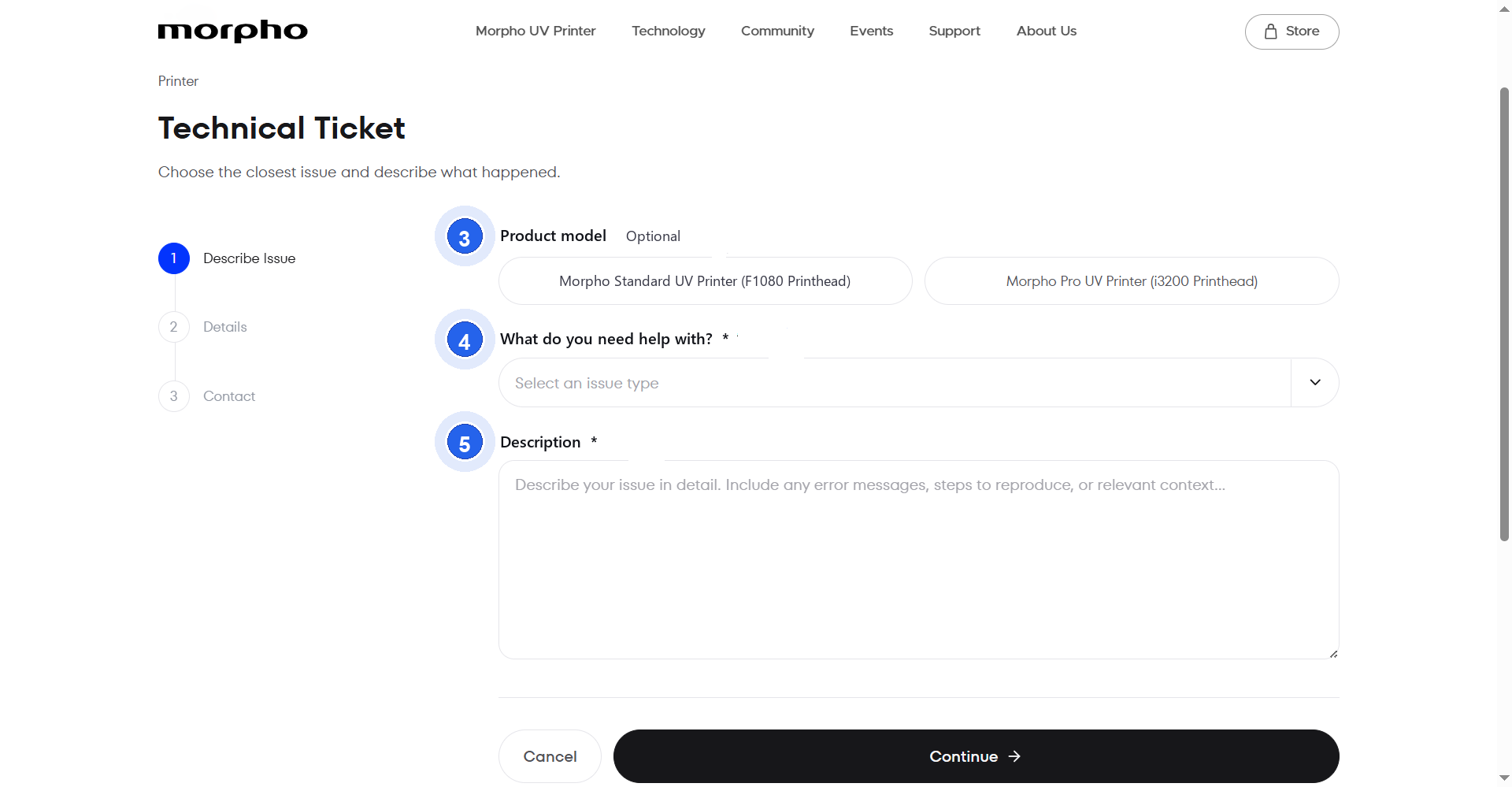
- In Describe Issue, select Product model if applicable. Select the issue type and add a clear Description.
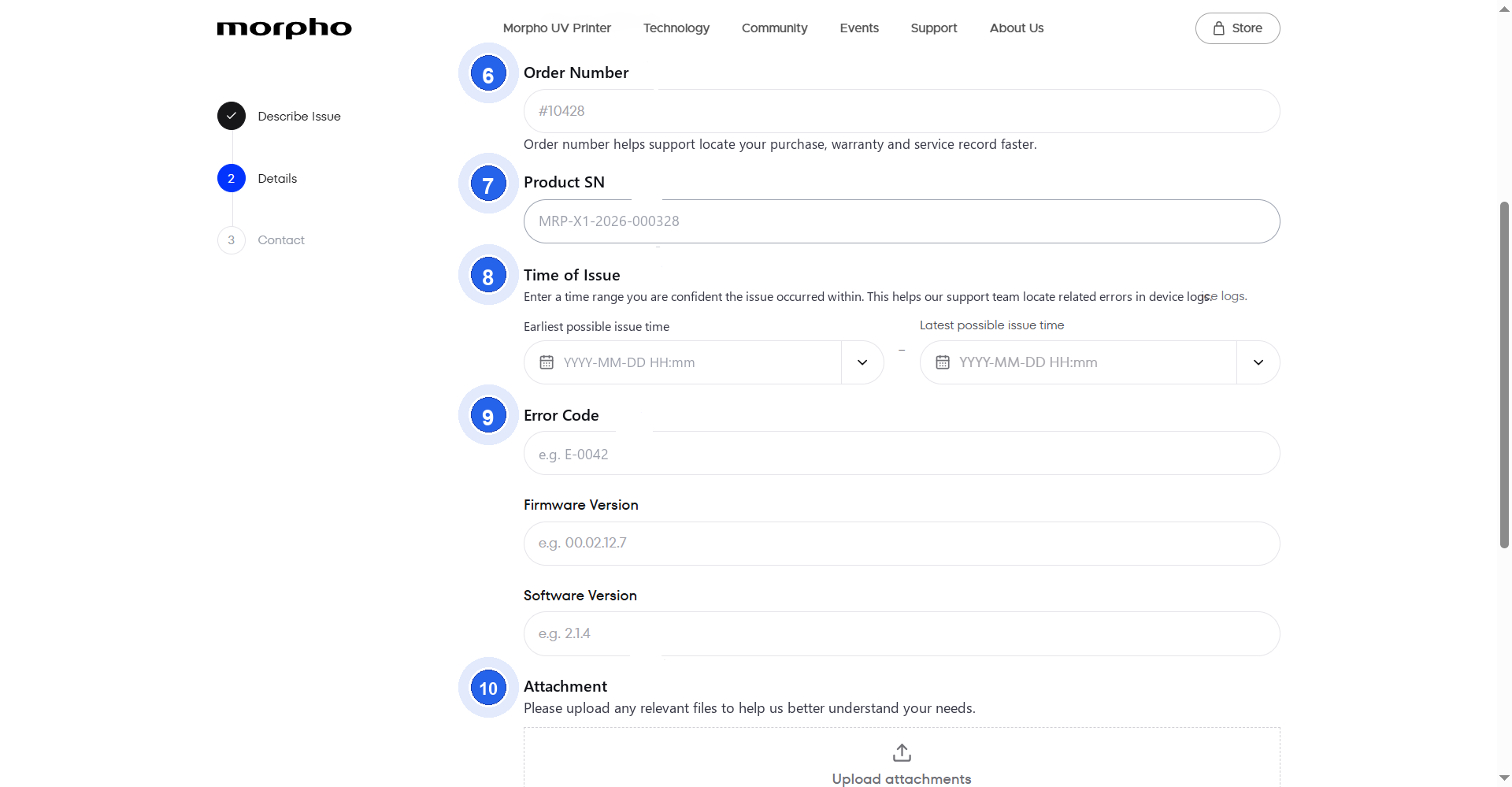
- In Details, add relevant information requested by the form, such as the issue time, attachments, error code, product serial number, firmware version, or software version.
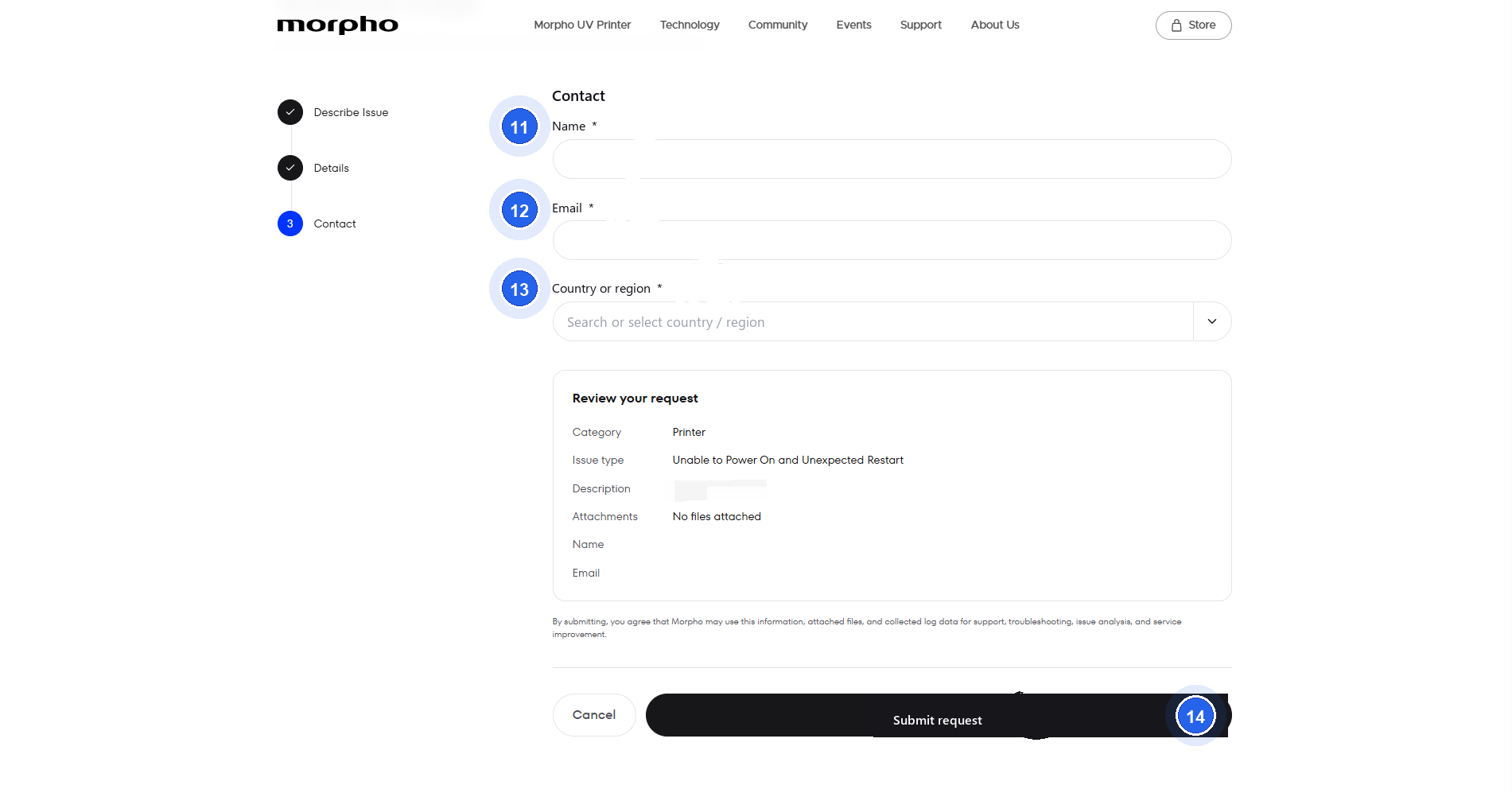
- In Contact, enter your contact information and review the request. Click Submit request.
- If you cannot submit the request through Morpho Support Center, email support@morpho.inc. Include the same issue details and relevant attachments.
For your security: Do not send passwords, payment card details, or other sensitive personal information. Only send device or application log files when Morpho Support requests them.
¶ Support Timing
Morpho Support Center displays the following service information:
- Average response time:
<48h - Typical resolution time:
2–3 business days
¶ Log Export
If Morpho Support asks you to provide diagnostic logs, use the guide that matches your situation:
- Upload Printer Logs for Support explains how to upload printer logs and record the Support Code or Device SN.
- Collect Device and App Logs in Morpho Studio explains how to collect device logs, upload app logs, and share the case number with Support.
¶ What Happens Next
Morpho Support reviews submitted requests through Morpho Support Center. Follow up through Morpho Support Center for updates on your request.