¶ What is Software Version
The software version identifies the version of Morpho Studio currently installed on the computer and helps the technical support team verify compatibility and troubleshoot issues.
¶ Why do I need to find the Software Version
- Provide the Software Version for after-sales services.
¶ How to find the Software Version
You can find the Software Version in Morpho Studio.
¶ Morpho Studio
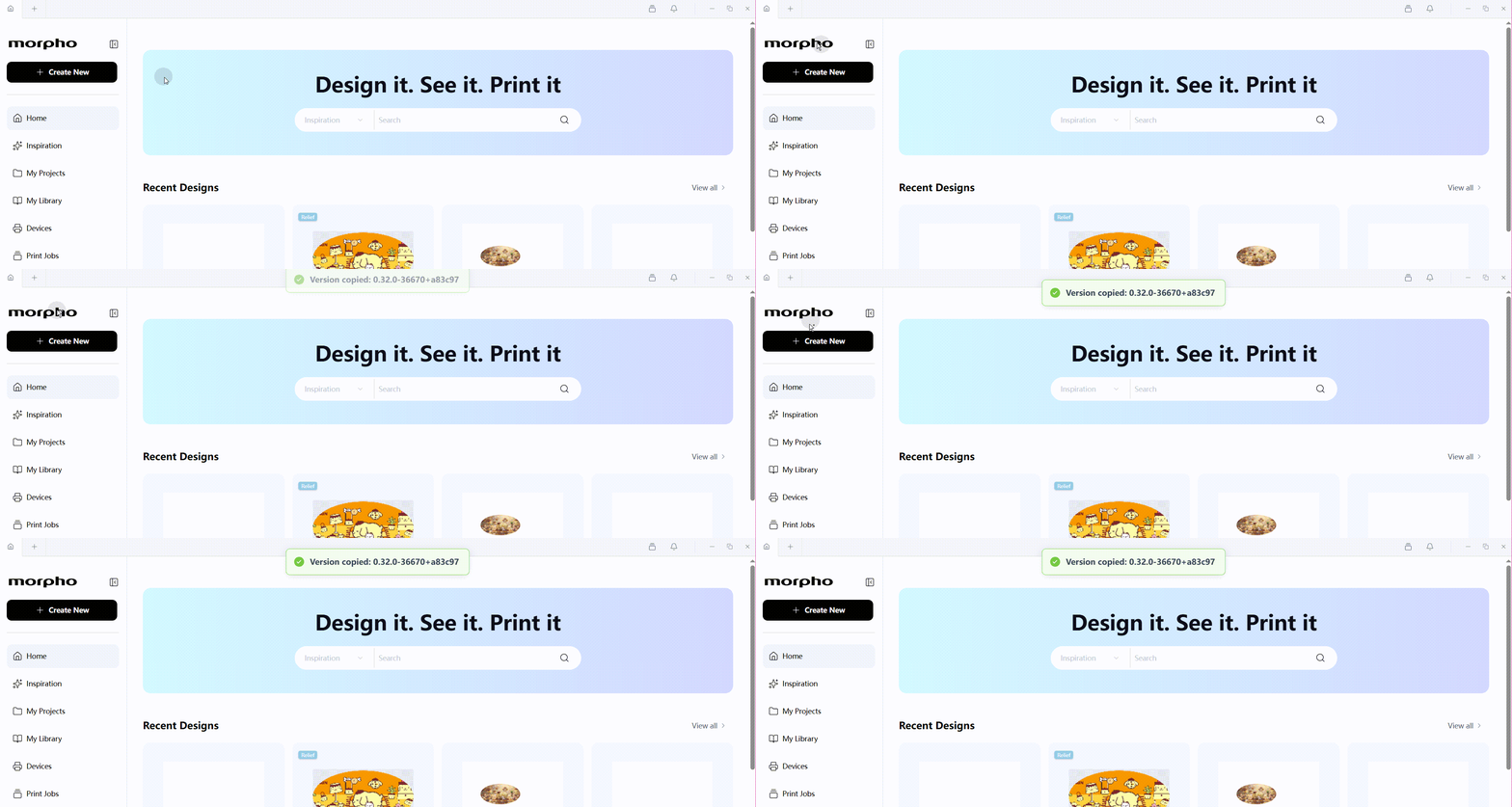
In Morpho Studio, you can find the Software Version in two ways:
-
Hover over the Morpho logo in the upper-left corner to display the software version. Double-click the logo to copy the software version.
-
Click Sign In in the lower-left corner, then select Check for Updates. If a newer version is available, an update window appears.