¶ Overview
The RGB status light shows the current printer status using different colors and light patterns. Some status changes may also include a notification sound.
If you need more information, check the status light together with the message shown on the Touch Screen or in Morpho Studio.
¶ Status Light Reference
¶ Solid Blue Light
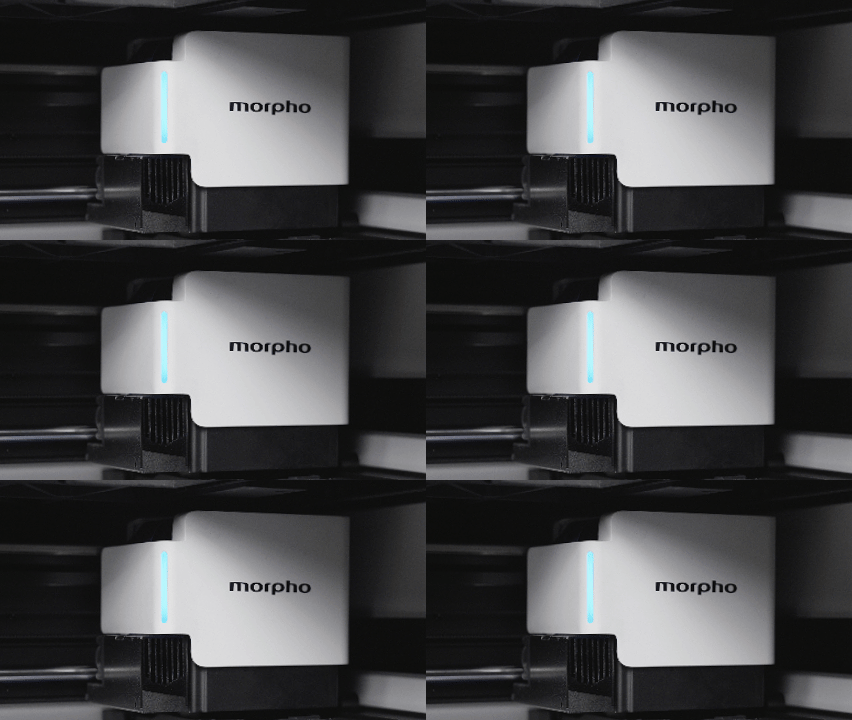
Meaning: The printer is powering on or printing.
Sound: A notification sound may play during startup or when printing begins.
What to do: No action is required. If the printer is starting up or printing, wait for the current process to finish.
¶ Breathing Blue Light
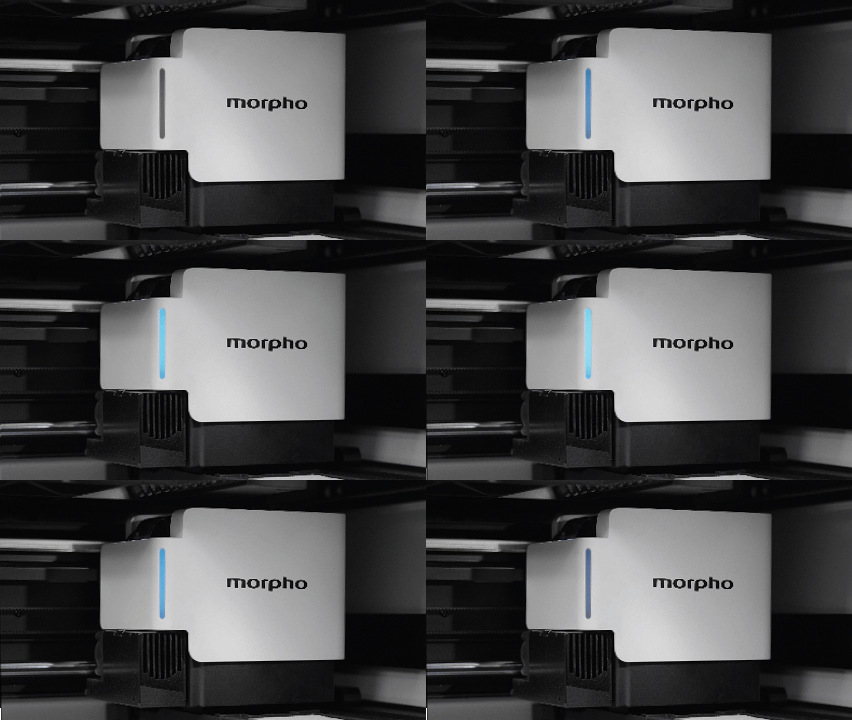
Meaning: The printer is initializing or running a self-check.
Sound: No notification sound is expected.
What to do: Wait until initialization or the self-check is complete.
¶ Solid Green Light
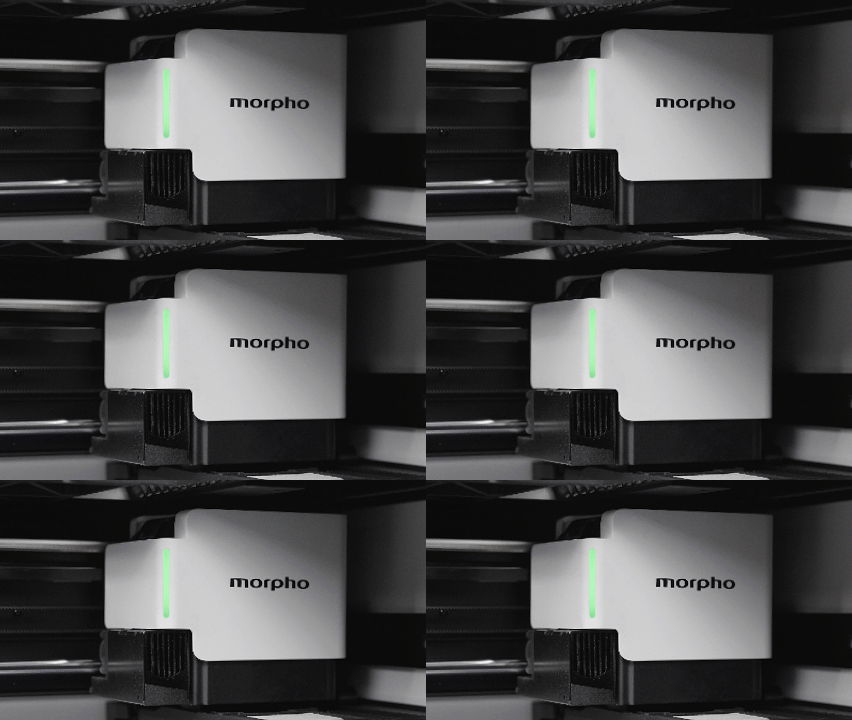
Meaning: The printer is ready, the print is complete, or a task has been canceled, stopped, or paused by the user.
Sound: A completion or cancellation notification sound may play depending on the status.
What to do: Check the message shown on the Touch Screen or in Morpho Studio. If printing is complete, remove the printed item when it is safe to do so.
¶ Solid Yellow Light
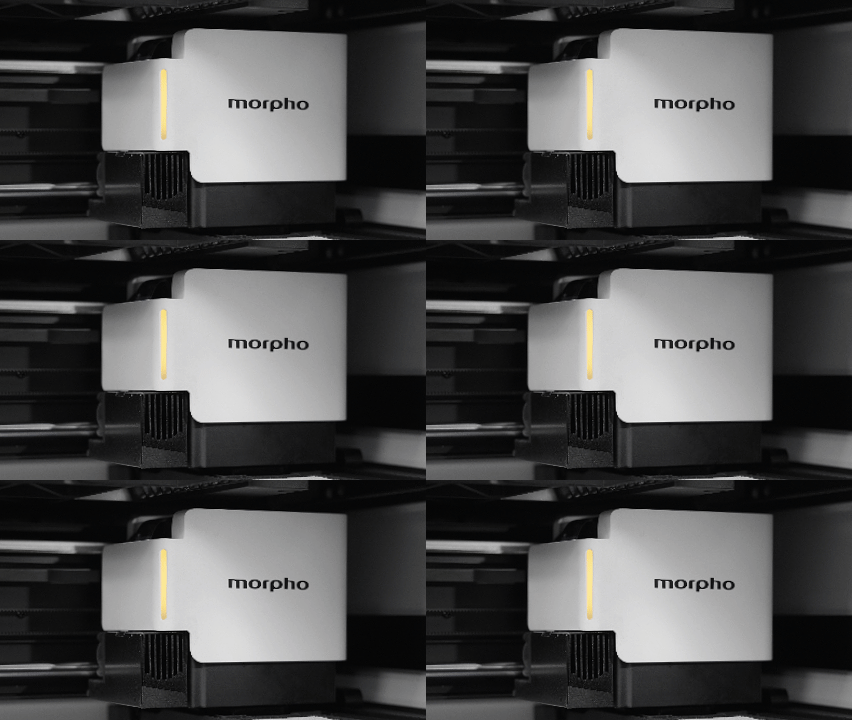
Meaning: Maintenance or calibration is in progress.
Sound: No notification sound is expected.
What to do: Wait for the maintenance or calibration process to finish. Follow any instructions shown on the Touch Screen or in Morpho Studio.
¶ Solid Red Light
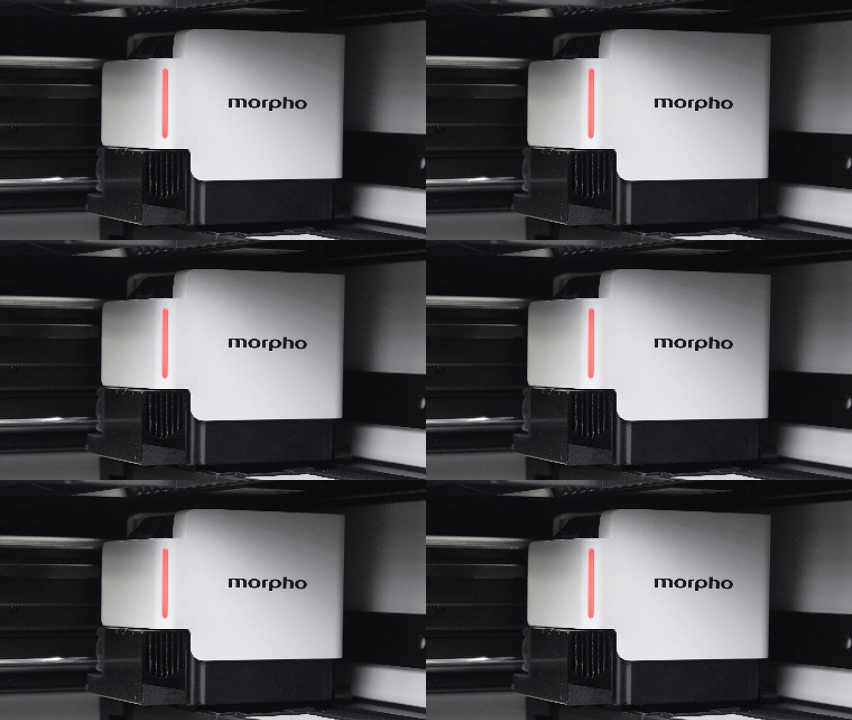
Meaning: The printer has detected an error, fault, or safety-related interruption.
Sound: An alert sound may play.
What to do: Check the error message shown on the Touch Screen or in Morpho Studio, then follow the displayed instructions before continuing.
¶ Breathing Purple Light
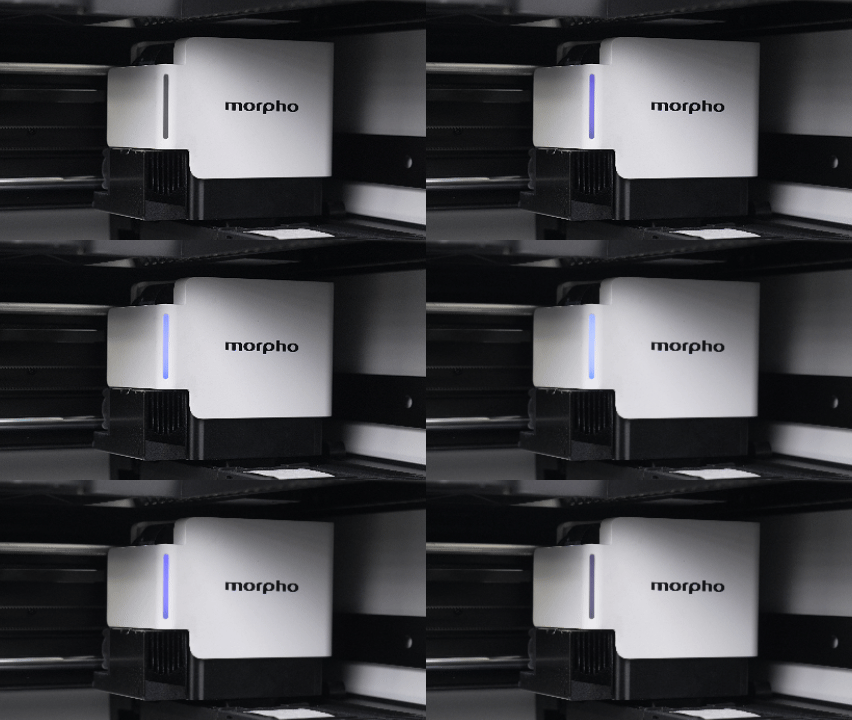
Meaning: A firmware update is in progress.
Sound: A notification sound may play when the update starts.
What to do: Do not disconnect power while the firmware update is in progress. Wait until the update is complete.