¶ Set Contents
The Basic Blanks Set is supplied with both the Morpho Standard UV Printer (F1080 Printhead) and the Morpho Pro UV Printer (i3200 Printhead).
| Blank | Quantity |
|---|---|
| Rectangular Ceramic Fridge Magnet | 2 |
| Round Ceramic Fridge Magnet | 2 |
| A4 Cardstock Puzzle Board | 2 |
| A4 Metal Board | 1 |
¶ Quick Print Notes
|
Recommended Use
This set can be used as a starting point for exploring different blank sizes, surfaces, and print effects. The ceramic fridge magnets may be suitable for trying compact designs with color, white ink, varnish, or relief effects. The A4 blanks can also be used to explore larger artwork coverage, full-page alignment, and edge coverage. |
Before Printing
Make sure the blank is placed flat, the printable surface is clean, and the artwork is positioned within the printable area. For small blanks, leave enough margin around important text, faces, and logos. |
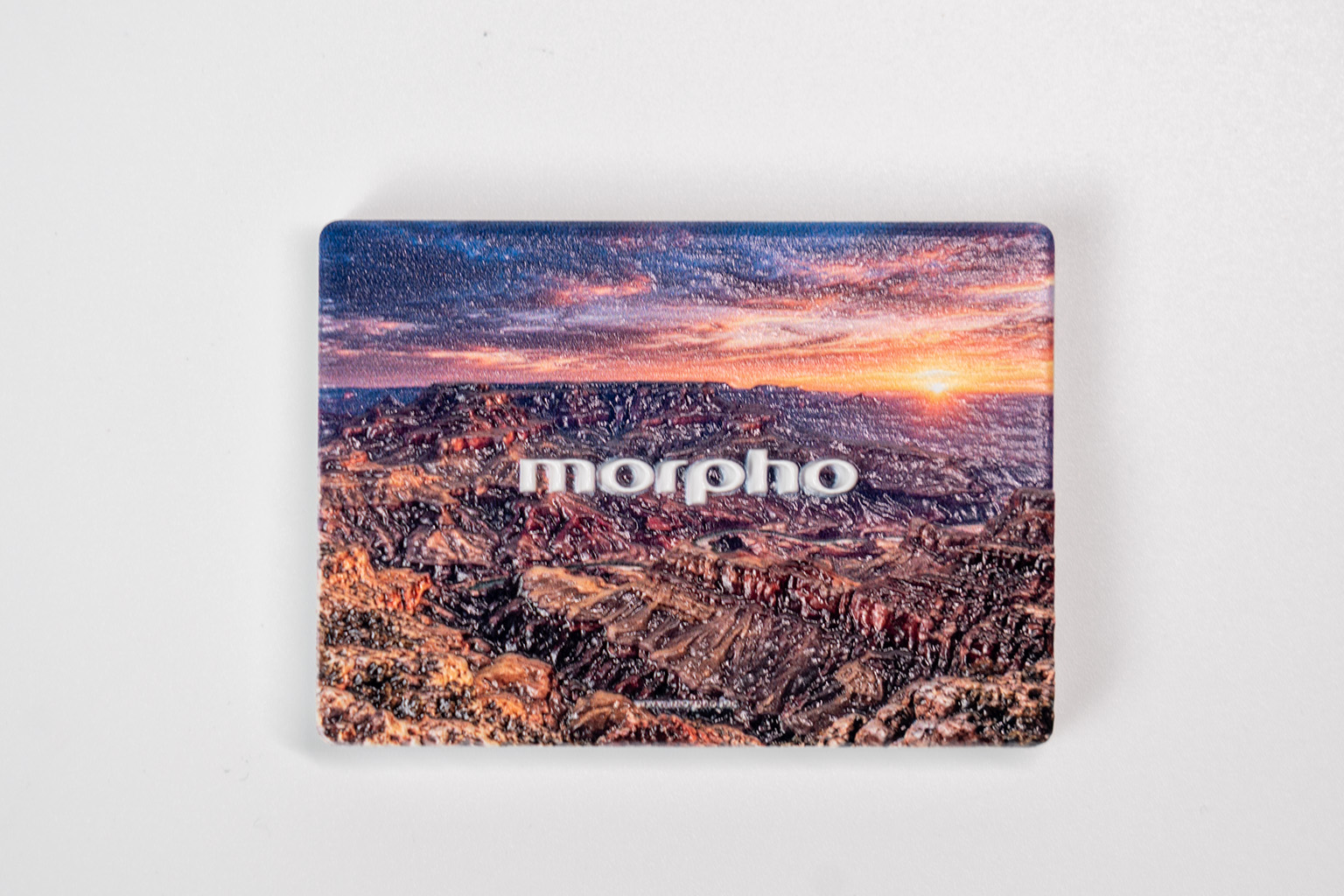
| 01 | ¶ Rectangular Ceramic Fridge MagnetA matte ceramic blank for photos, illustrations, logos, and short text. |
Finished Product Preview
¶ Blank Specifications
|
¶ Recommended Print Settings
|
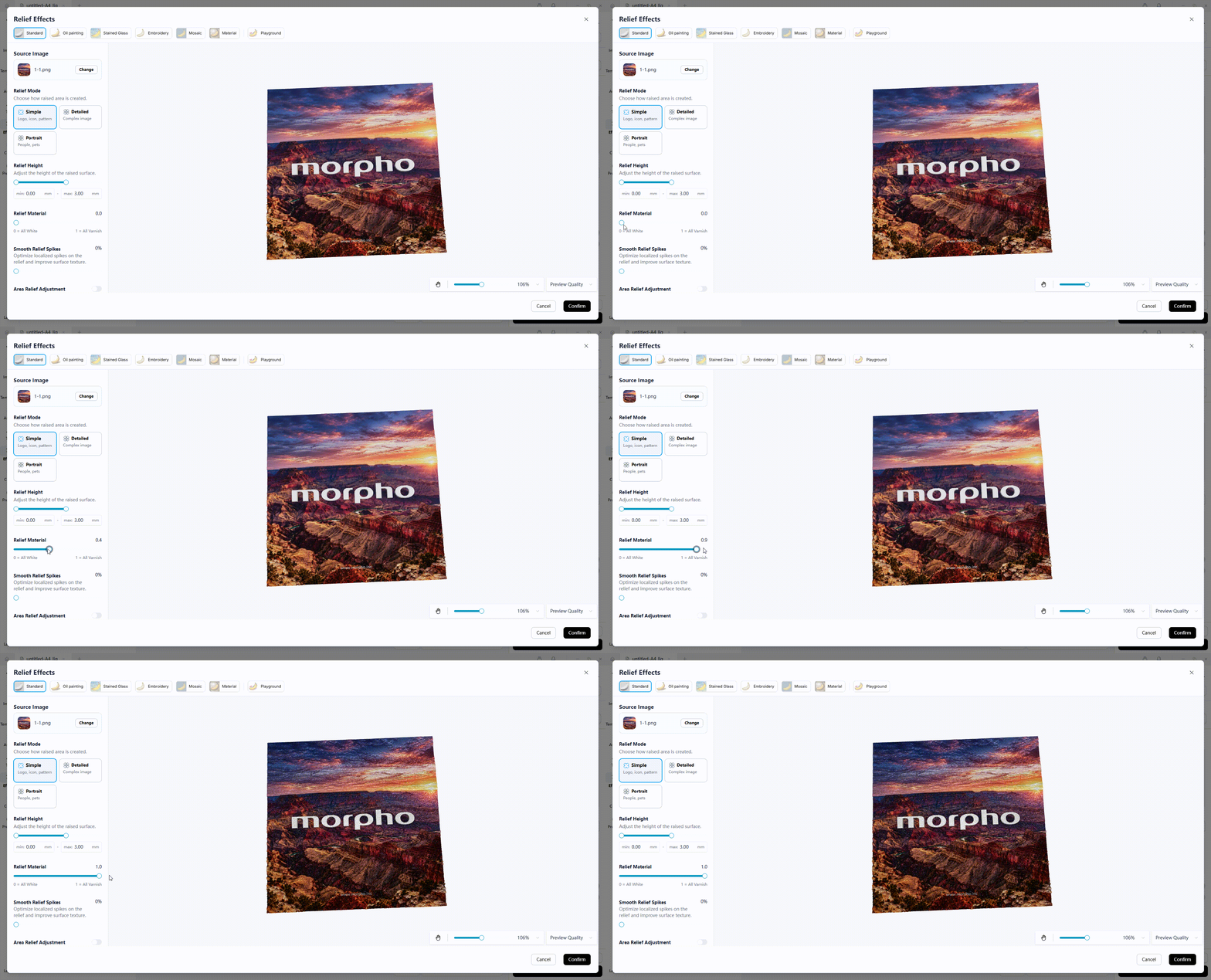
Tips: Relief Material controls the composition of the three-dimensional relief layer. A value of 0 means all white ink: the relief is opaque and solid white, with a more matte surface and no mirror-like reflection. A value of 1 means all varnish: the relief is transparent and glossy, allowing the original artwork color to show through. Values between 0 and 1 combine white ink and varnish. In general, white ink forms the body or base of the relief, while varnish forms the surface layer. Different values change the transparency, gloss, and surface texture.
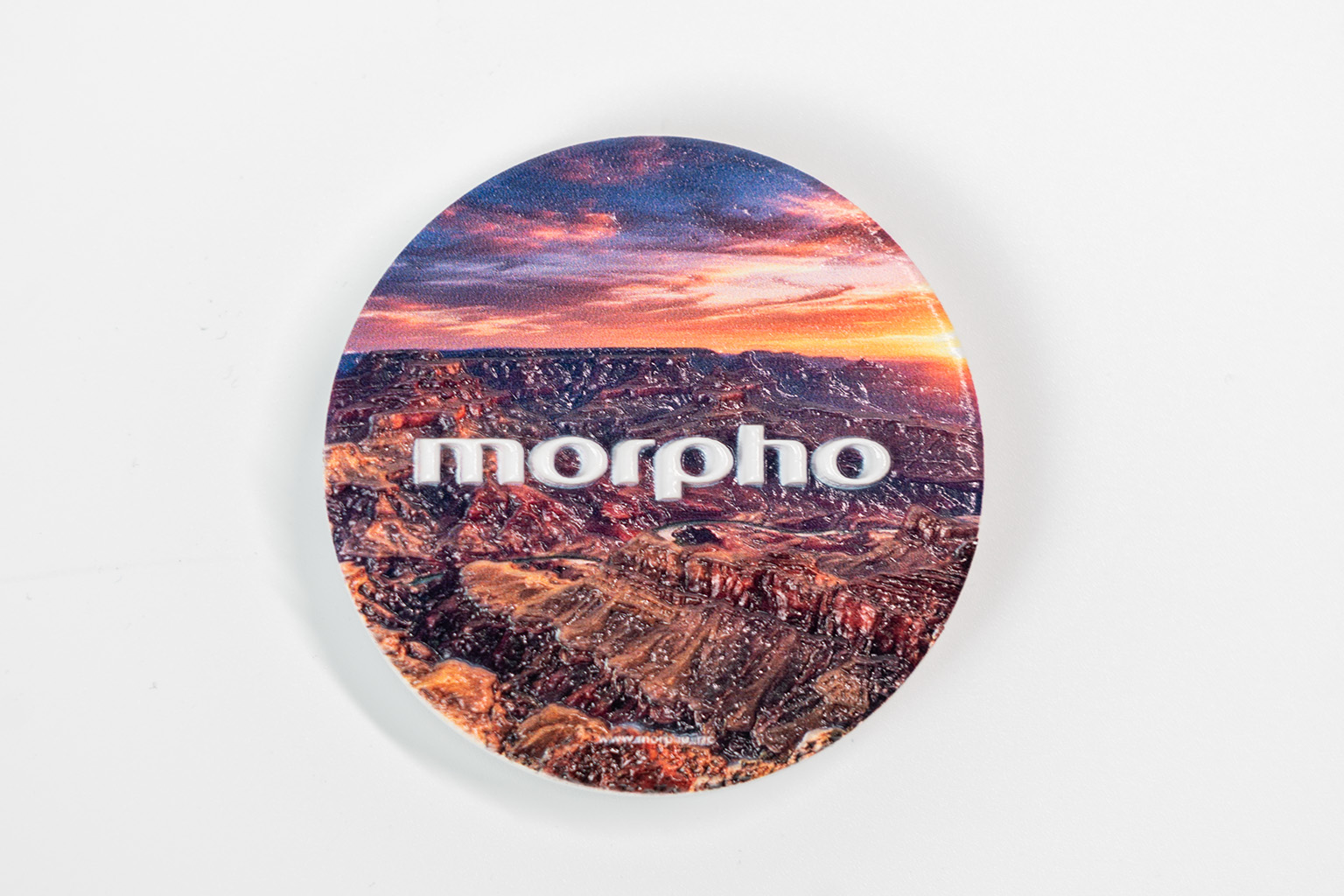
| 02 | ¶ Round Ceramic Fridge MagnetA matte ceramic blank for emblems, logos, portraits, and badge-style graphics. |
Finished Product Preview
¶ Blank Specifications
|
¶ Recommended Print Settings
|
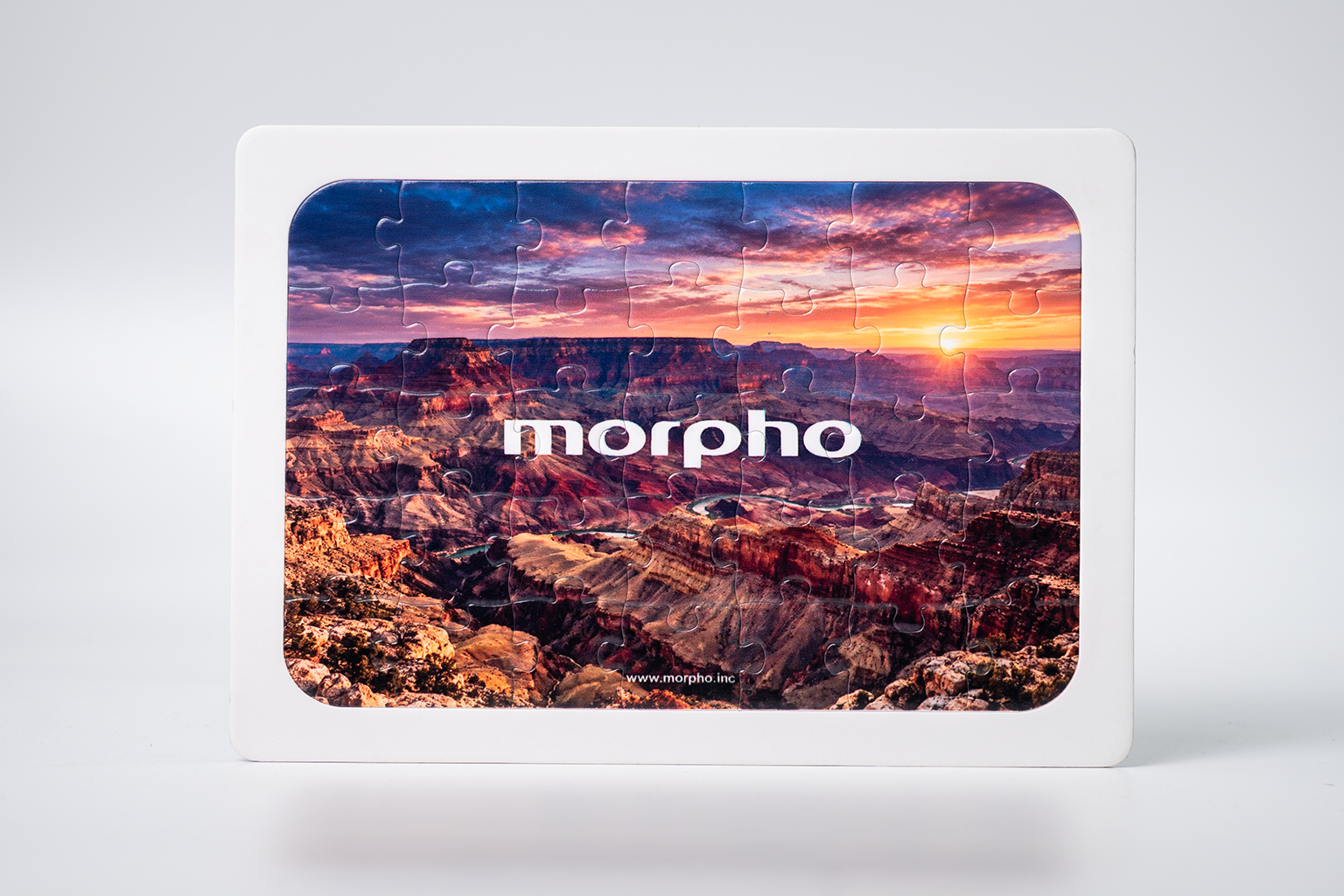
| 03 | ¶ A4 Cardstock Puzzle BoardA glossy 35-piece cardstock puzzle for photos, illustrations, and continuous full-page artwork. |
Finished Product Preview
¶ Blank Specifications
|
¶ Recommended Print Settings
|
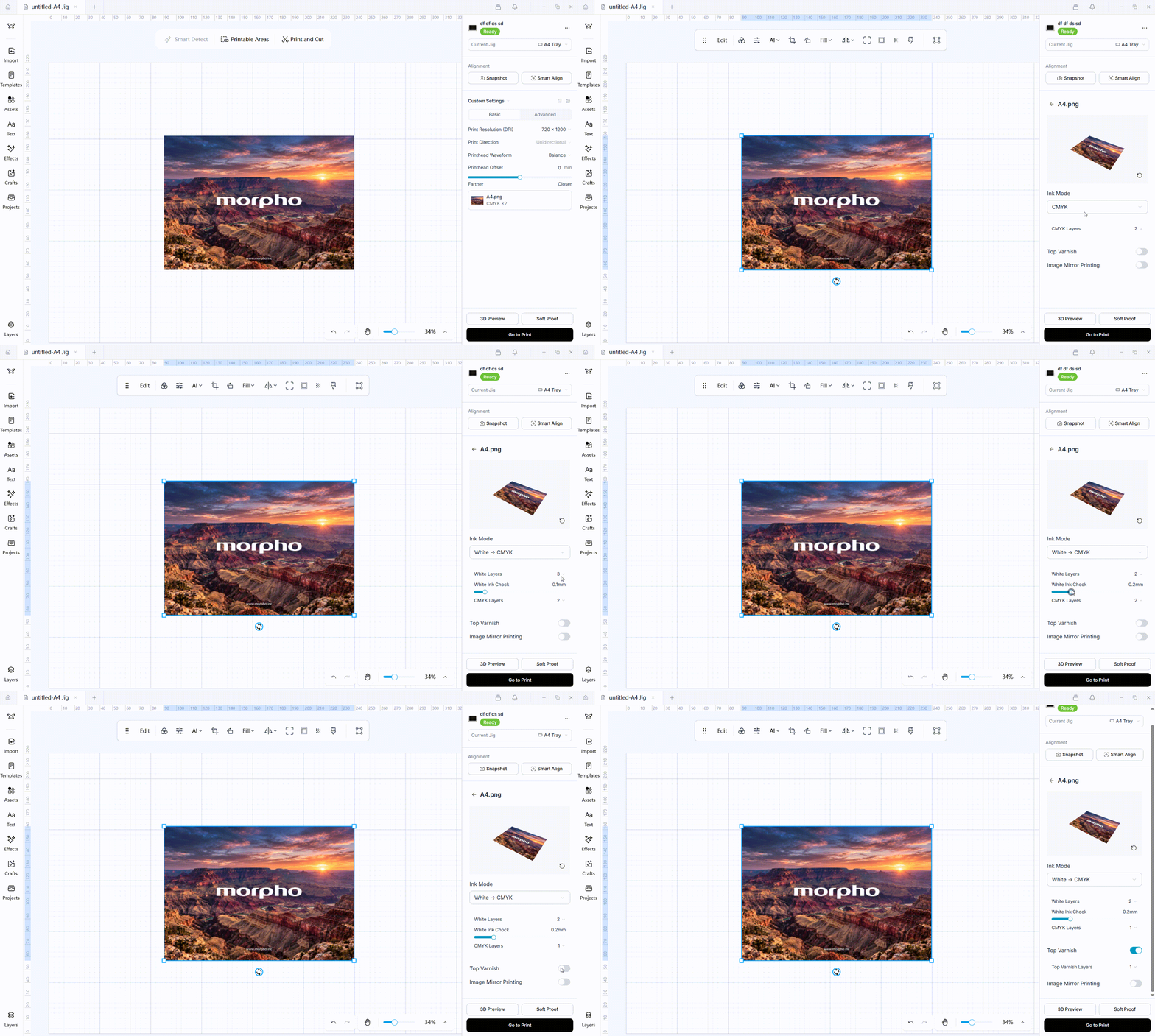
Tips: Ink-Layer Configuration "White × 2 → CMYK × 1 · Varnish × 1" indicates 2 white ink layers, 1 CMYK layer, and 1 top varnish layer with Top Varnish enabled.
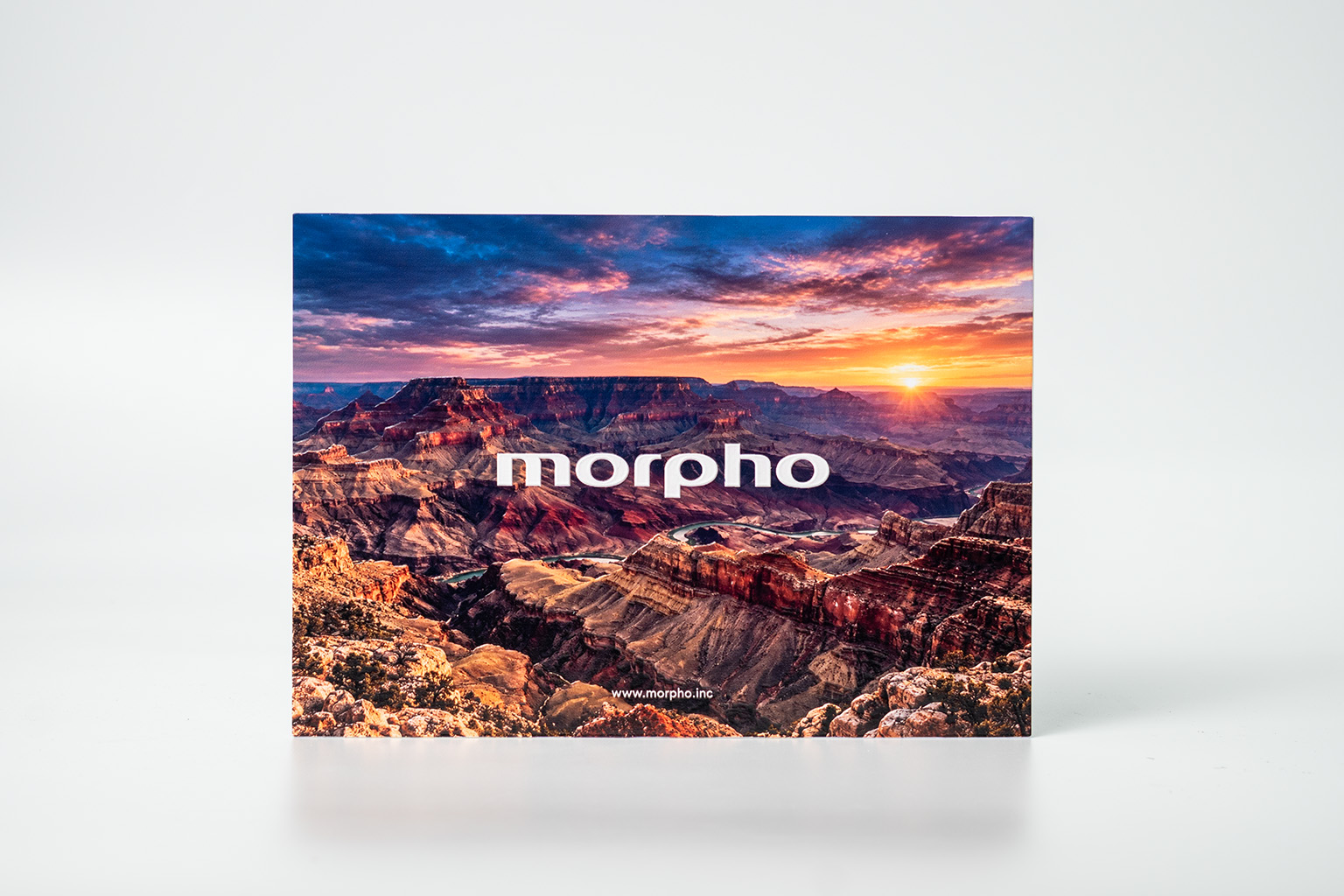
| 04 | ¶ A4 Metal BoardA metal blank for photos, architectural illustrations, signs, and decorative artwork. |
Finished Product Preview
¶ Blank Specifications
|
¶ Recommended Print Settings
|
¶ What to Check After Printing
After printing, check the items that apply to the selected material and print settings:
- Check that the image is aligned correctly.
- Check that the artwork is complete and that no important content or edges have been cut off.
- Check that the ink is properly cured, with no tackiness, smudging, or damage to the printed image.
- Compare the final finish with the expected result for the selected material and settings.
If any check fails, open the relevant troubleshooting article for that symptom before continuing. Additional troubleshooting articles will be added as they become available.
¶ Related Articles
Troubleshooting articles for image alignment and ink curing issues are not available yet. Links will be added here when the articles are published.
-
Image Alignment Issues
Troubleshooting guidance for misaligned printed images. -
Ink Curing Issues
Troubleshooting guidance for tacky, smudged, or damaged printed images.